
Locked Channels
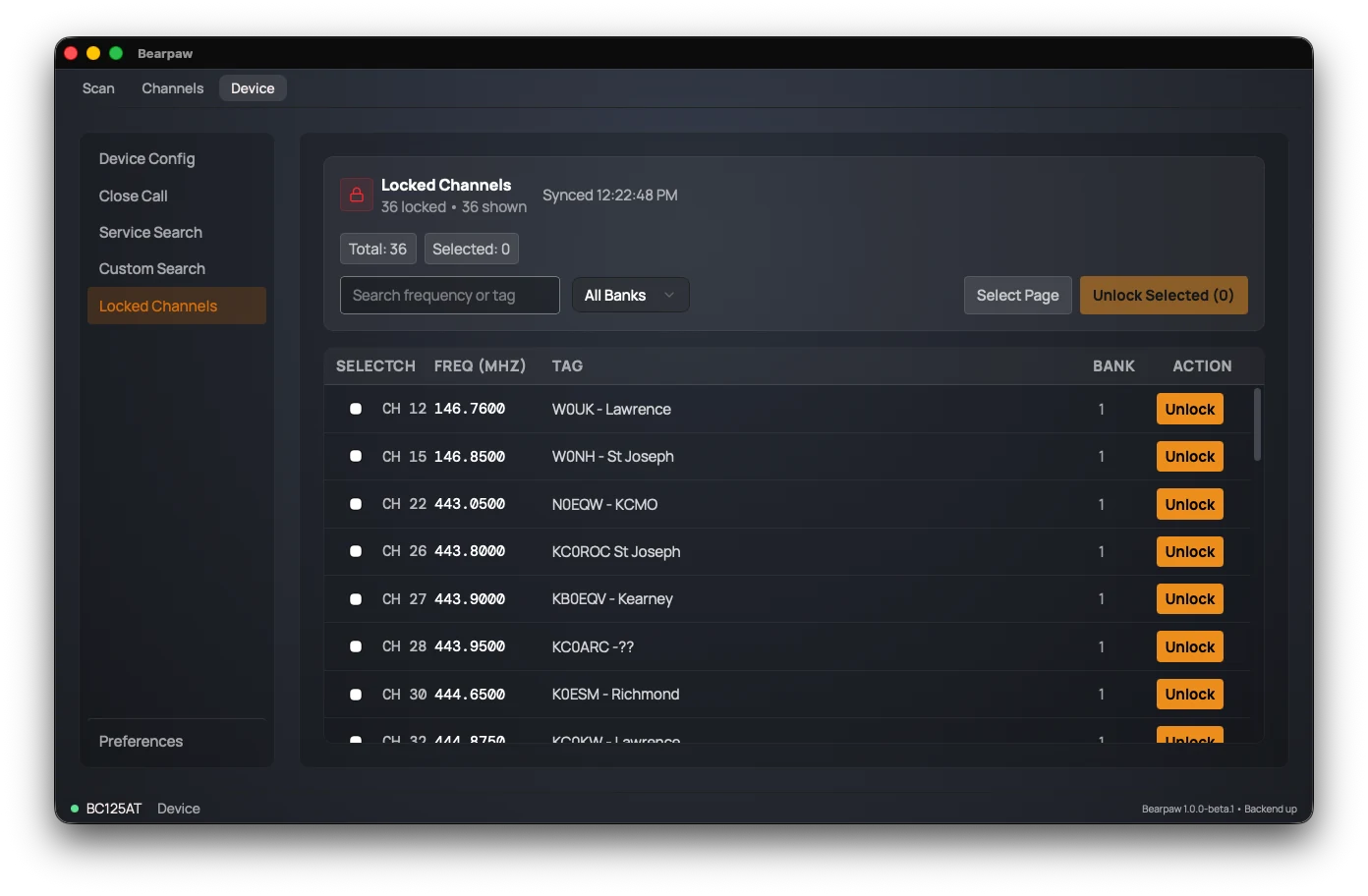
A locked-out channel is one you've told the scanner to skip while scanning. This page lists every currently locked-out channel and lets you unlock them.
Locked channels
The list is read from the scanner when you open this page, with a timestamp showing when.
- Search and filter by bank to narrow the list.
- Select channels with their checkboxes, then Unlock Selected to clear them in a batch.
- Or use each row's own Unlock button to clear just that one.
Unlocking brings a channel you'd previously skipped back into the scan rotation. (To lock a channel out, use the L/O button on the Scan tab or the Lockout switch when editing the channel.)
Avoided frequencies
Below the channel list is a second, shorter table: Avoided frequencies. This is a different list on the scanner, not a filter of the one above.
The channels above are memory slots you've told the scanner to skip. These are bare frequencies with no channel attached, and they're what Search and Close Call skip. If a pager or a data carrier keeps stopping a search, this is the list that makes it stop — locking out a channel won't, because a search isn't on a channel.
Entries are added on the scanner: start a Search, and press L/O when it stops on the frequency you want gone. Bearpaw reads the list back here, and each row has its own Remove button to take one off.
Did this help? Your support keeps me building Bearpaw and buys the scanners it learns to work with next. Support Bearpaw